
Skip to content
Rolevara

Platform labs

The same scenarios, in a real identity platform.

Practice the Pacific Crest tickets in the consoles employers use: Microsoft Entra ID, Okta and AWS. Each lab seeds a free tenant you own, and your work is graded automatically.

Lab scripts, step-by-step instructions and grading are part of Pro + Labs. During early access they open with an invitation link.

Microsoft Entra ID lab Early access

Seed a Microsoft Entra tenant with the Pacific Crest directory, work six Pacific Crest tickets in the Entra admin center, and grade a read-only export.

What you'll practice

  • Joiner, mover, leaver and rehire changes in a real directory
  • Disabling accounts and revoking sessions for a leaver
  • Provisioning from the access matrix, not by copying a coworker
  • PowerShell with Microsoft Graph, run safely against a lab tenant
Time needed
About 90 minutes, including tenant setup
You'll need
A free Microsoft Entra tenant (Azure free account or Microsoft 365 developer tenant)
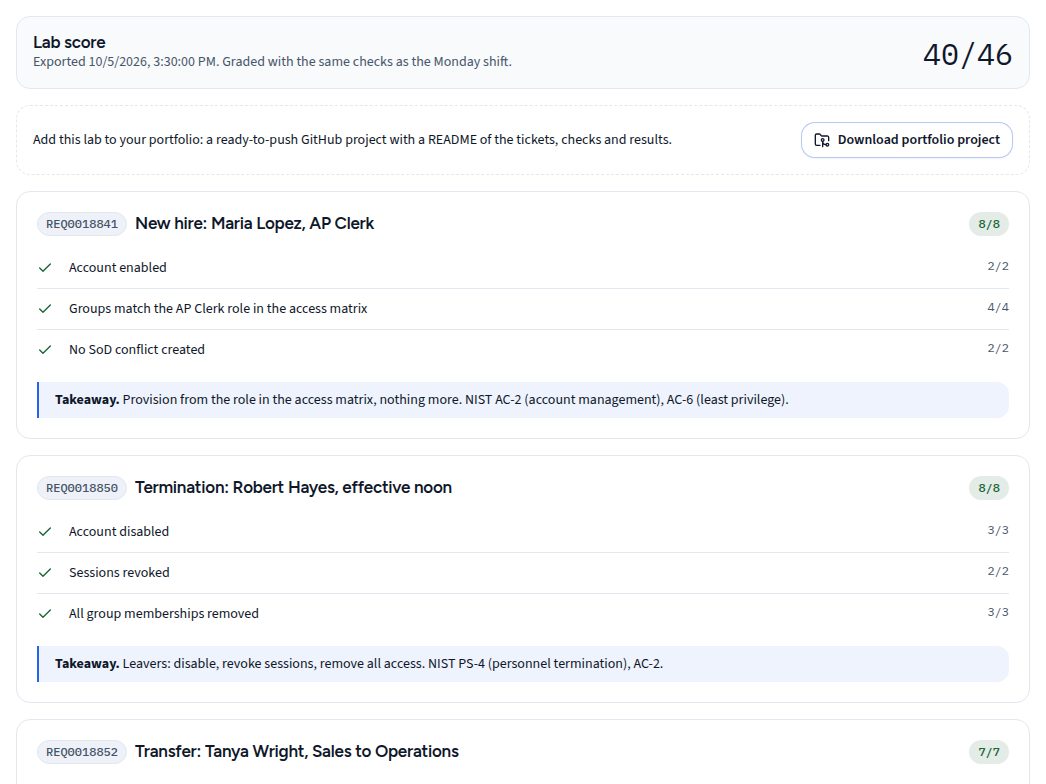
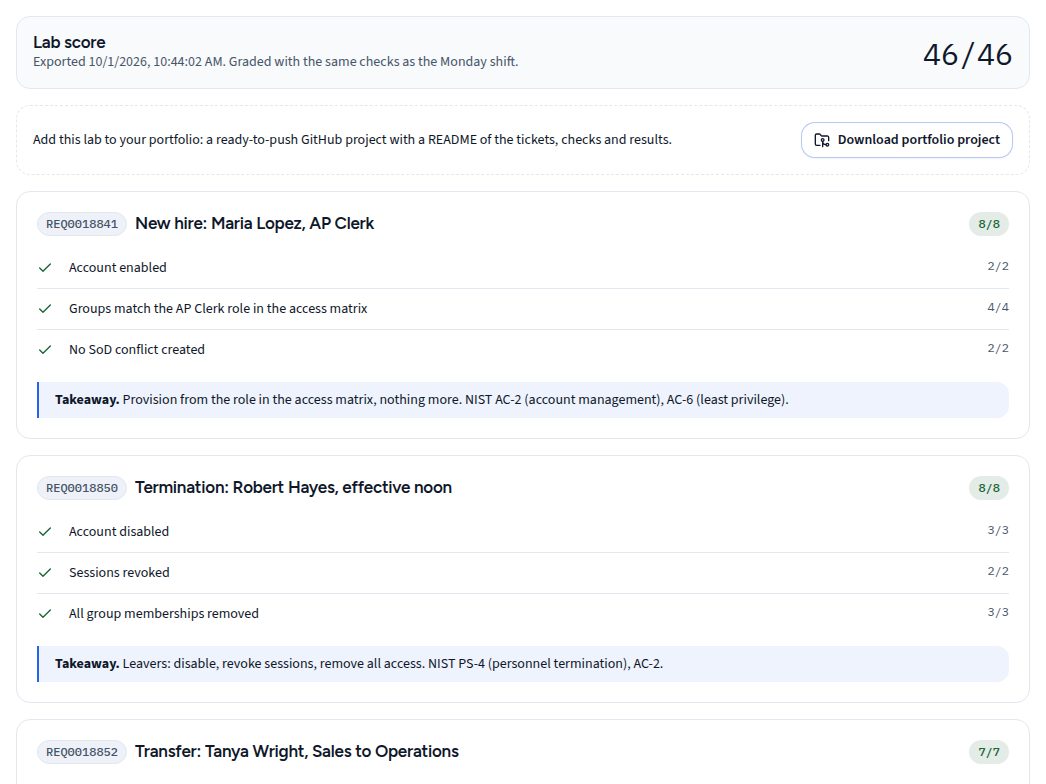
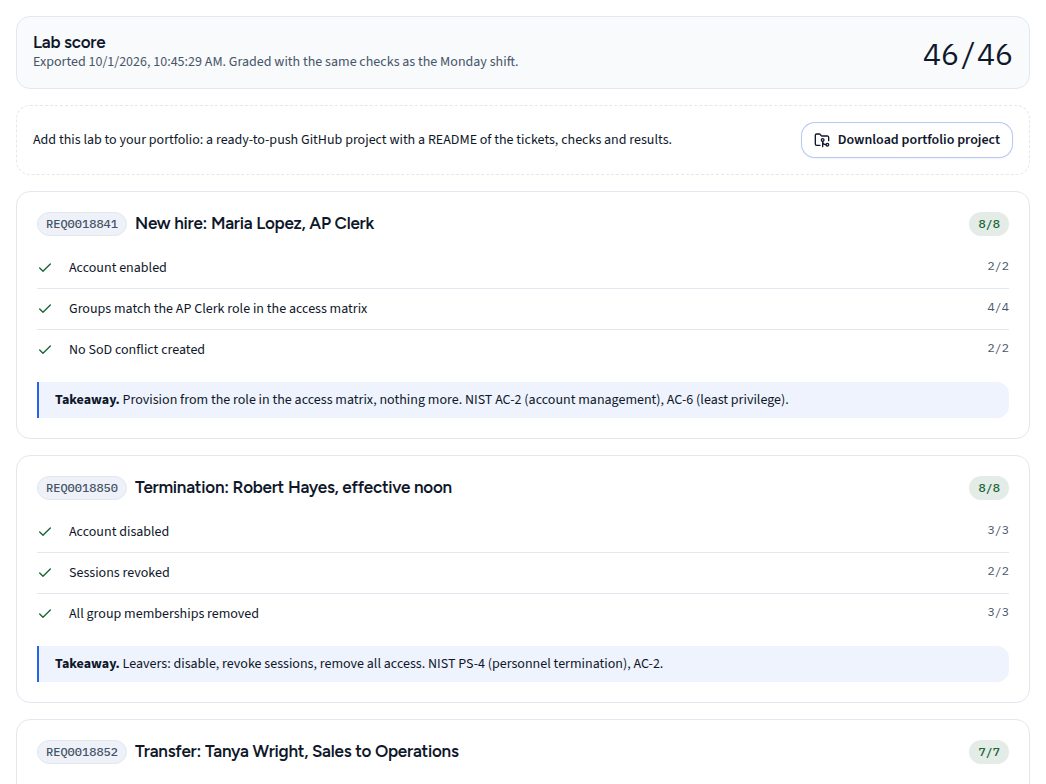
Lab score for the Entra ID lab: each ticket with its graded checks and a takeaway.
Graded results in the lab guide.

Okta lab Early access

Seed a free Okta Integrator org with the same directory, work the tickets in the Okta Admin Console, and grade a check run with a read-only admin token.

What you'll practice

  • Okta user lifecycle: staged, active, suspended and deactivated
  • Clearing sessions and removing group access for a leaver
  • Group-based access that matches the role, nothing more
  • Least-privilege API tokens: a read-only admin for checks
Time needed
About 75 minutes, including org setup
You'll need
A free Okta Integrator org
Lab score for the Okta lab: each ticket with its graded checks and a takeaway.
Graded results in the lab guide.

AWS IAM lab Early access

Seed a free-tier AWS account with a CloudFormation stack, work the tickets in the IAM console, and grade a read-only check run in CloudShell.

What you'll practice

  • IAM users, groups and tags as a system of record
  • Removing console access and deactivating access keys for a leaver
  • Infrastructure as code: seeding and removing a lab with CloudFormation
  • Read-only checks from CloudShell, with no access keys created
Time needed
About 60 minutes, including account setup
You'll need
A free-tier AWS account
Lab score for the AWS IAM lab: each ticket with its graded checks and a takeaway.
Graded results in the lab guide.

Microsoft, Microsoft Entra and Azure are trademarks of the Microsoft group of companies. Okta is a trademark of Okta, Inc. AWS and Amazon Web Services are trademarks of Amazon.com, Inc. or its affiliates. Rolevara is not affiliated with Microsoft, Okta or Amazon.

Why Pro + Labs

Show the work in the real console.

Employers hire for what a candidate has done in their tools. Pro + Labs turns simulator practice into graded work in live tenants.

  • The consoles employers use

    Practice in Microsoft Entra ID, Okta and AWS, in free tenants you own.

  • Graded automatically

    A read-only check scores your console work, ticket by ticket, with the simulator's rules.

  • Proof you can show

    Every lab adds a GitHub portfolio project and a line on your readiness report.

  • Cert-aligned

    Mapped to SC-300, Okta and AWS Security certification objectives.

Pro compared with Pro + Labs
CapabilityProRealistic simulatorPro + LabsSimulator + real tenants
Simulated admin center, every company and trackIncludedIncluded
Graded tickets, hints and readiness reportIncludedIncluded
Real Entra ID, Okta and AWS tenantsNot includedIncluded
Automatic grading of console workNot includedIncluded
GitHub portfolio project per labNot includedIncluded
Price$15/mo14-day free trial$29/moCancel anytime

Early access

Be first to try new companies and labs.

Get one email each time a new company, the PAM track or a platform lab is released. No payment details needed.